Number and label
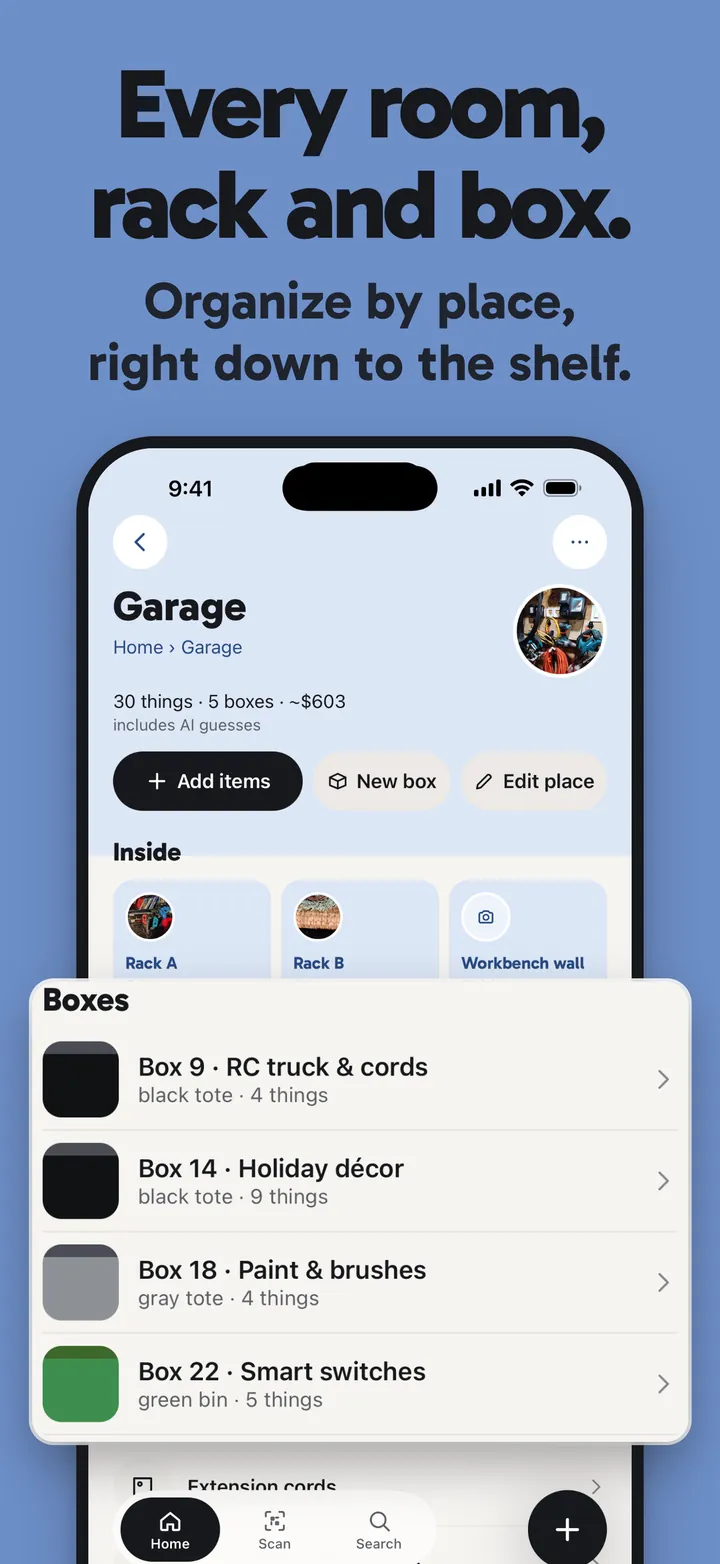
Make a box, let StowTap number it, and print a QR label or write an NFC tag. How labels work

Moving and storage
StowTap is a moving box inventory app: number each box, label it with a QR code, snap what goes in, and search for it later. Packing is easy. Unpacking is where you lose a week: which box has the kettle, which one has the chargers. Give each box a number and a label now, and search for the answer later.
Make a box, let StowTap number it, and print a QR label or write an NFC tag. How labels work
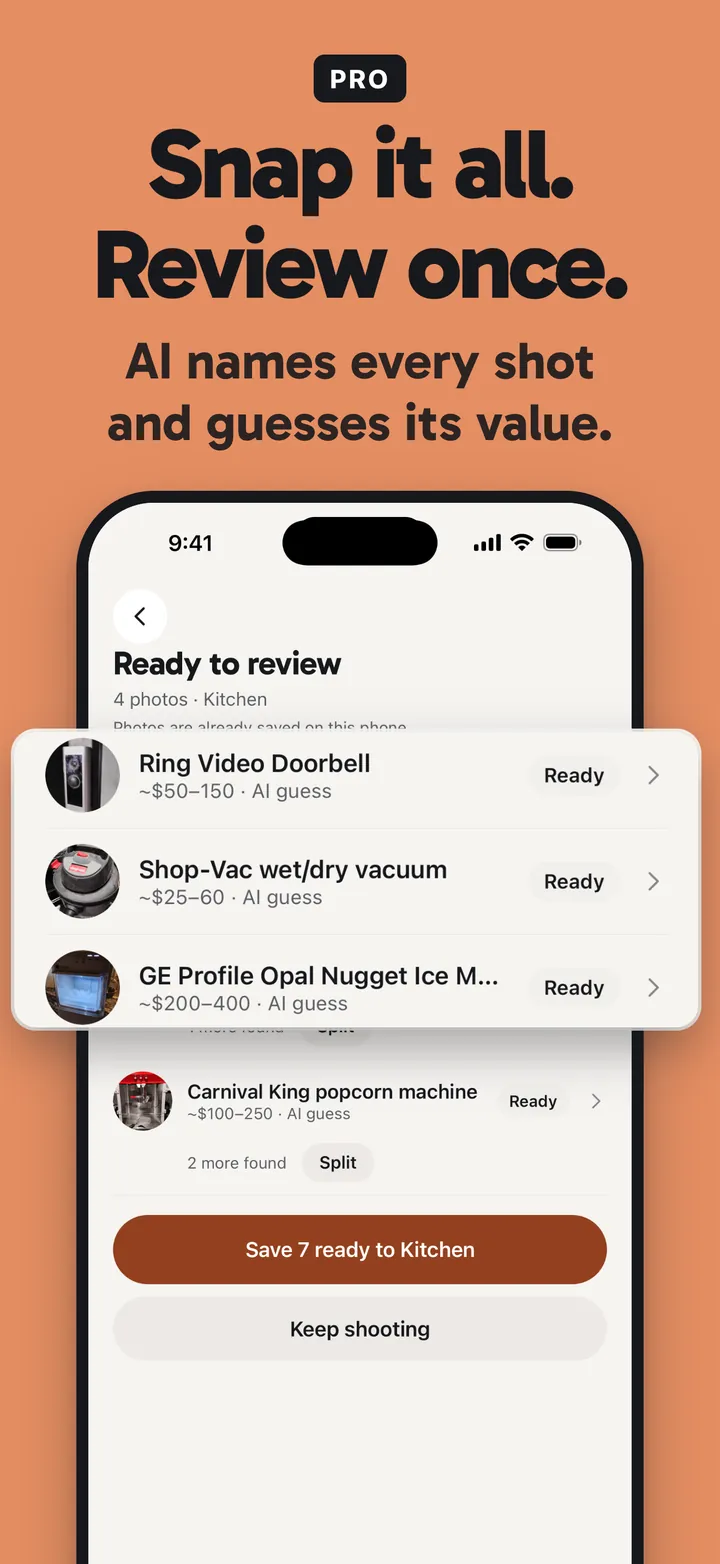
One photo lists what’s in the box. For a lot of boxes, Batch capture keeps the camera open: one thing after another, review once. Pro
Move a box to its new place and its number, label and contents come with it. The old room and the new one stay color-coded.
At the new place, type kettle and StowTap tells you the box. Scan the label to see the list. When you put things away, StowTap suggests where each one belongs from what’s already stored there.
StowTap doesn’t book movers or ship anything. It’s a memory for your boxes. The AI lists what it sees in a photo and can miss things, so give each list a quick look before you save it.
Make a box in StowTap and it numbers the box for you. Print a QR label or write an NFC tag, stick it on, and snap a photo of what goes in. Later, search for the thing or scan the label.
Yes. Each box has its own list, made from a photo, with the number, label and contents in one place. Type the thing you need and StowTap tells you the box.
Move the box to its new place and its number, label and contents come with it. The same label keeps working.
Yes. Keep the unit as its own property, then search it together with your home.
No. Numbering, labels, snapping what is inside and search work on Free. Pro adds Batch capture for many boxes and the PDF report, and there is a weekly plan for a move or a clear-out.