Garage
4 boxes
62 things

Home inventory for iPhone
Snap a shelf and StowTap lists what’s on it. Label the box with a QR code or tap an NFC tag. Next time you wonder where the camping stove went, just ask.

How it works
Free
Take one photo of a shelf, a drawer or a bin. StowTap lists what it sees. You check the list, fix anything it got wrong, and save.
Free
Every thing has an address: a property, a place, a box. Each place gets its own color, so Garage and Kitchen never look alike.
Free
Make a QR label for any box and print it on plain paper or on Avery 22806 square sheets. No label printer needed.
Free
Prefer a tap? Link a blank NFC tag to the box. Hold your iPhone near it and that box opens, with everything inside.
Free
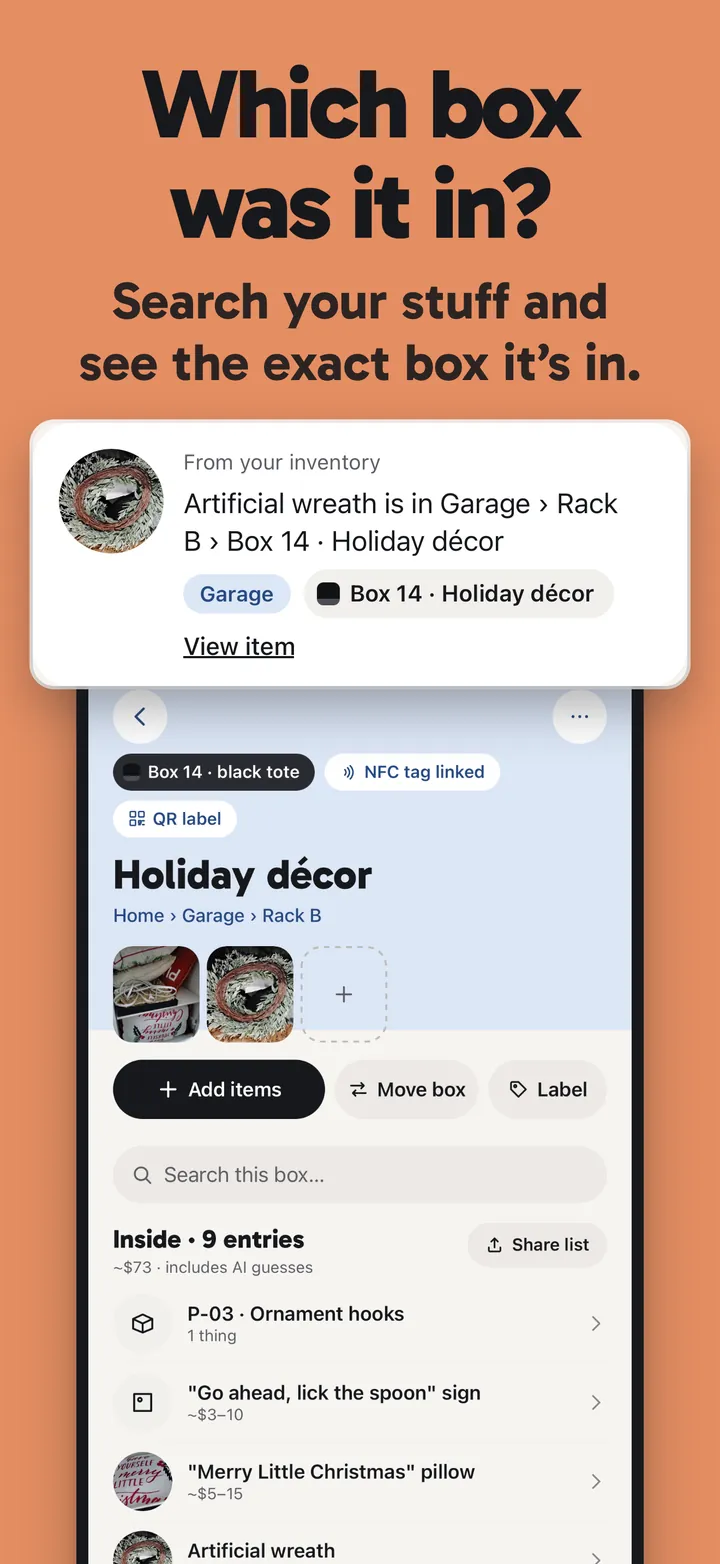
Type where is my drill. StowTap answers with the room, the shelf and the box. Can’t remember the name? Describe it and AI search takes a guess.
Pro
On Pro, snapping a thing also gives an AI value estimate, shown as a range. They are rough guesses, and you can type your own.
Pro
Pro makes a room-by-room PDF with photos, AI value estimates and totals. Save it, print it, or send it to your insurer.
Color bins
Properties, rooms, shelves and boxes nest the way your home does. The color follows you from the Home screen down to the shelf, so you always know where you are. Free keeps unlimited things, places and labels.
4 boxes
62 things
Pantry, Shelf B
39 things
Rack A
27 things
Shelf 1, Shelf 2
41 things
Example home from the app. Your places, your colors.
Labels and tags
Print QR labels on plain paper or a sheet of Avery 22806 squares, or write a blank NFC tag. Scan or tap with your iPhone and the box opens, with its contents. Printing and tag linking are free.
Search
Type where is my drill and get the room, the shelf and the box. Forgot what a thing is called? Describe it, and AI search suggests the closest match from your own things.
Free and Pro
Free
Unlimited things, places and labels. QR labels and NFC tags. Keyword search. AI snaps to list what a photo shows (30 a month, plus 100 to start), and 3 AI searches a month.
Pro
A room-by-room PDF report with AI value estimates and totals, Batch capture, AI search beyond the 3 free a month, and 1,000 AI snaps a month. Bought in the app.
Guides
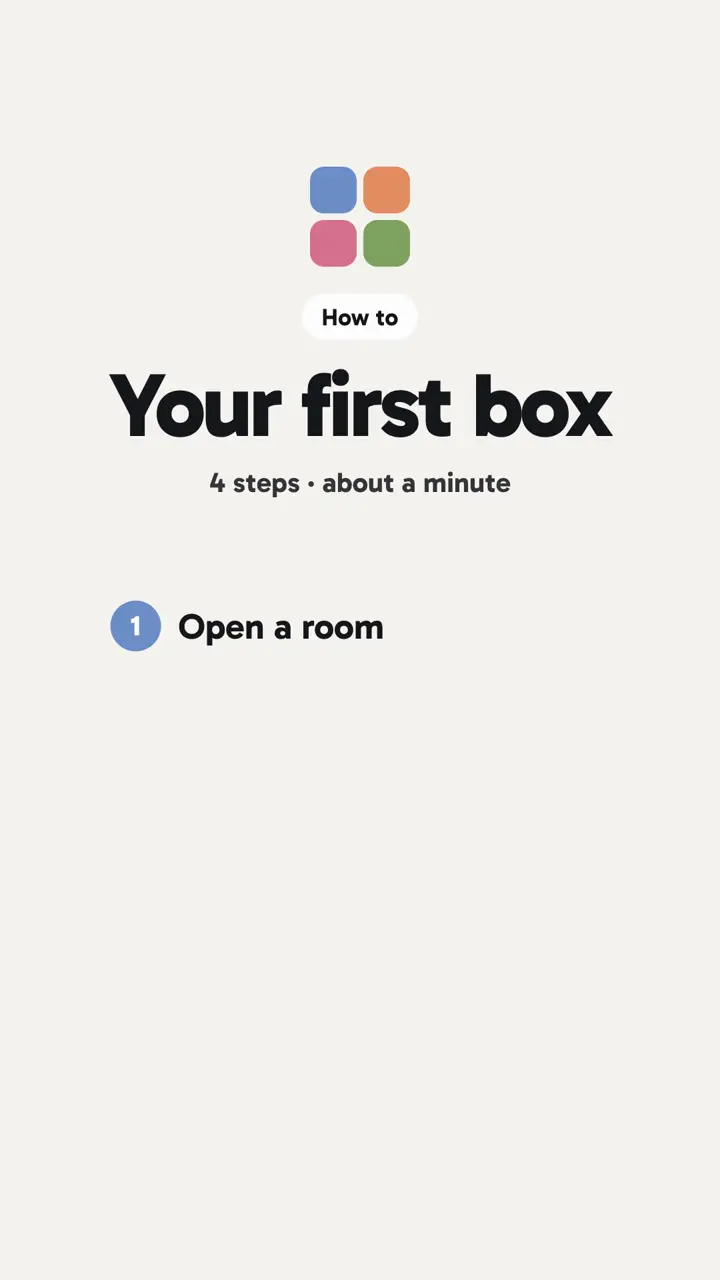
A short, captioned walkthrough: open a room, make a box, label it, add what’s inside, then find it.